
By Amanda Reeds, Content Researcher ·
Quick Summary
- Key Takeaway: The Army retired the circumference tape test on July 7, 2026, replacing it with a single waist-to-height ratio standard. This guide covers both the retired formula and the current one.
- Who This Is For: Soldiers, recruits, ROTC and USMA cadets, and family members trying to estimate body composition under current and prior Army rules.
- Why It Matters: A flagged reading affects promotions, schooling, and travel orders, so knowing which formula actually applies right now keeps you from acting on outdated numbers.
- Reading Time: ~11 minutes
Why the APFT Body Fat Calculator Still Matters
You pull up an APFT body fat calculator. You plug in your neck and waist and get a number. Then someone in your unit mentions the Army does not even use that formula anymore, and now you are not sure which result to trust.
An APFT body fat calculator estimates a soldier’s body fat percentage from circumference measurements of the neck, waist, and, for women, the hips. It uses the formula written into Army Regulation 600-9. Soldiers who exceeded Army height and weight screening limits were measured this way, to check compliance with body composition standards before commanders took administrative action.
Here is the part most people get wrong. “APFT” has not been the name of the Army’s fitness test since 2020, when the Army Combat Fitness Test took over. The body fat side of the house changed even more recently. As of July 7, 2026, the Army retired the tape test entirely. It replaced the test with a single waist-to-height ratio, following Army Directive 2026-13, signed by Secretary of the Army Dan Driscoll. According to the U.S. Army, the directive makes the ratio the sole authorized standard for the Regular Army, Army National Guard, and Army Reserve.
This guide walks through both formulas: the classic neck-waist-hip method that older calculators still publish, and the waist-to-height calculation that is actually in force today. You get worked examples with real numbers for each.
Check My Body Fat Estimate Now →Table of Contents
- Why the APFT Body Fat Calculator Still Matters
- What the APFT Body Fat Calculator Actually Measures
- The Army Just Changed the Rules
- How the Classic Tape Test Works (Neck, Waist, Hip)
- How to Calculate the New Waist-to-Height Ratio
- Real Soldiers, Real Numbers
- Common Mistakes
- Why the New Standard Matters
- Old Tape Test vs. New Waist-to-Height Ratio
- Frequently Asked Questions
- The Bottom Line
What the APFT Body Fat Calculator Actually Measures
The classic tape test does not measure fat directly. It estimates body fat percentage from circumference measurements, using an equation the Army published in AR 600-9. The math works fine for tracking change over time, though it carries a margin of error compared to lab methods like DEXA.
Historically, only soldiers who exceeded the height and weight screening table were taped. Everyone else skipped the body fat check. That changed along with the formula, covered next.
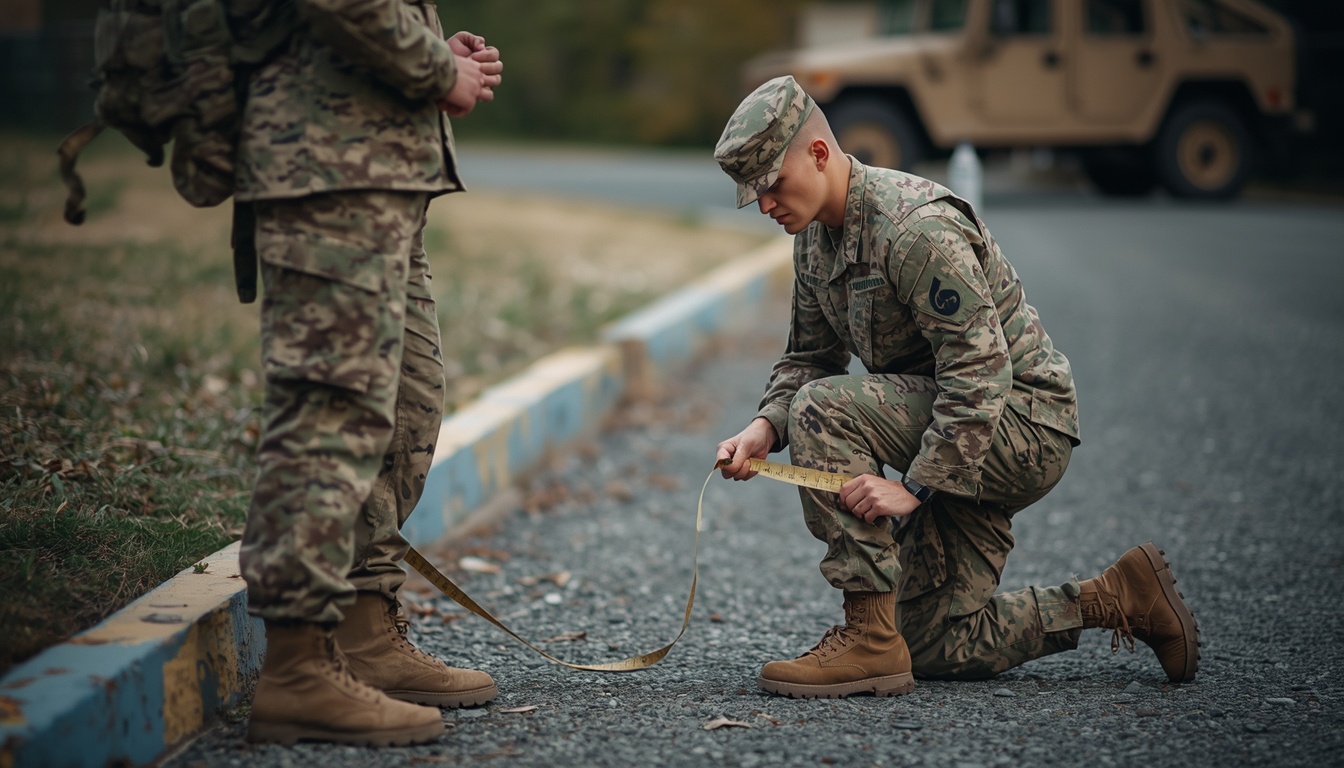
The Army Just Changed the Rules: WHtR Replaces the Tape Test
Effective July 7, 2026, the Army replaced height and weight tables, the circumference tape test, and every supplemental body fat method with the waist-to-height ratio, or WHtR. The Army’s official benefits site confirms it. All soldiers now receive a WHtR assessment twice per calendar year, regardless of whether they ever failed a height and weight screening before.
The change traces back to a Department of Defense memo issued in January 2026. It directed every service branch to adopt waist-to-height ratio as its body composition tool. The Pentagon’s guidance set an upper limit of 0.55 across the Joint Force. Army, Navy, and Air Force settled on that exact cutoff. The Marine Corps chose a stricter 0.52.
This one tripped me up too when I first read the directive. I expected the Army to keep some version of its old age-banded, sex-specific limits, the way it had for forty years. Instead, the new rule is a single number. A 19-year-old private and a 45-year-old command sergeant major answer to the identical 0.55 threshold. So does every soldier, regardless of sex.
Soldiers who register 0.55 or higher get flagged and enrolled in the Army Body Composition Program. Commanders cannot start separation during an initial 180-day review period while the Army validates the new standard. A flag still affects eligibility for promotion boards and schools.
How the Classic Army Tape Test Works (Neck, Waist, and Hip)
Even though it is retired, the classic tape test formula still shows up in older calculators, veteran forums, and training materials. It is worth understanding, whether you are checking historical records or just curious how the old math worked.
For men, the AR 600-9 formula reads: body fat % = 86.010 × log₁₀(waist − neck) − 70.041 × log₁₀(height) + 36.76. Every measurement is in inches.
For women, it adds a hip measurement: body fat % = 163.205 × log₁₀(waist + hip − neck) − 97.684 × log₁₀(height) − 78.387.
- Gather a flexible cloth tape. A metal tape or rigid ruler will not sit correctly against the body and will throw off your reading.
- Measure the neck just below the larynx, tape angled slightly downward at the front.
- Measure the waist at the navel, standing relaxed, without pulling in your stomach.
- Measure the hip (women only) at the widest point around the buttocks, tape parallel to the floor.
- Take each measurement three times and average the two closest readings, rounding down to the nearest half inch.
- Plug the numbers into the formula for your sex, or compare against your unit’s DA Form 5500 worksheet.
Here is a worked example. A 26-year-old male soldier stands 70 inches tall, with a 36-inch waist and 15.5-inch neck. That comes out to 20.4 percent body fat: 86.010 × log₁₀(36 − 15.5) − 70.041 × log₁₀(70) + 36.76 = 20.4.
Quick Action Steps
- Measure at the same time of day, before meals or heavy water intake.
- Use the same person and the same tape every time for consistent tracking.
- Record the raw circumference numbers, not just the final percentage.
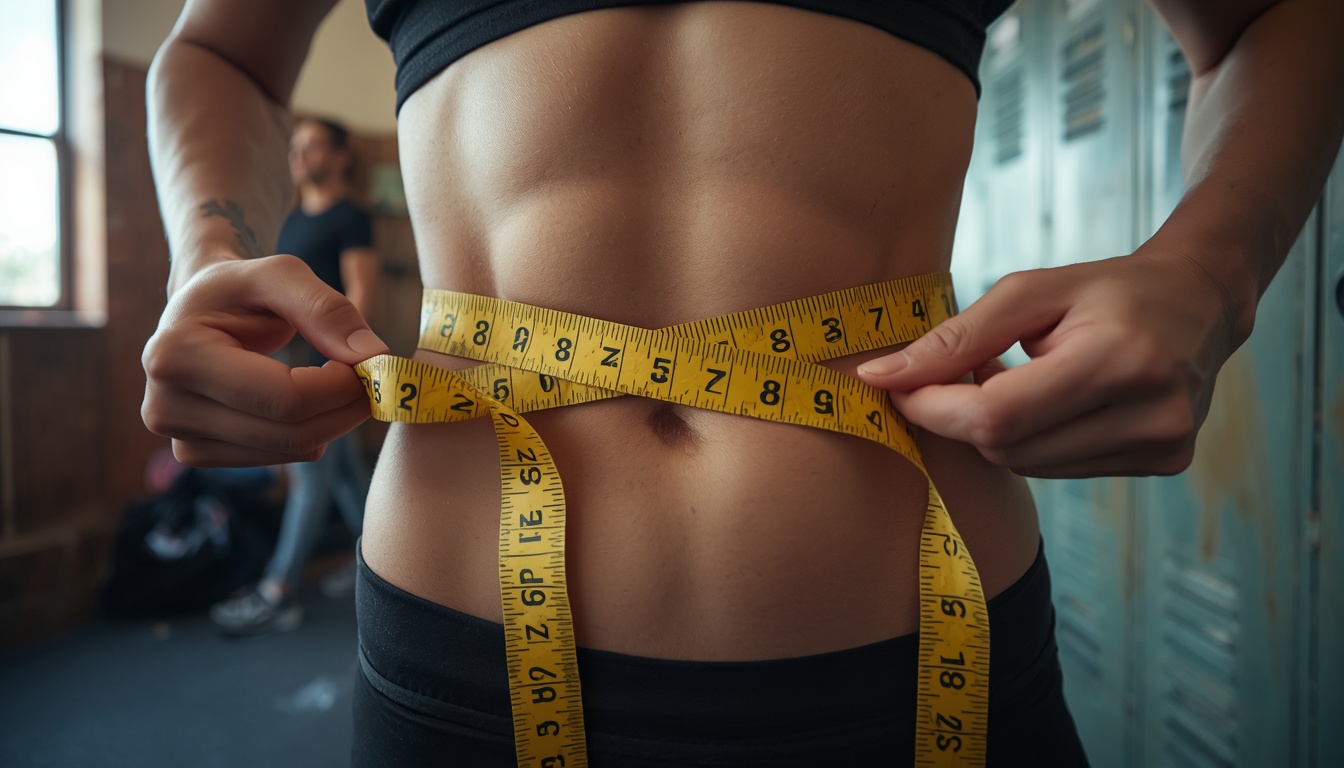
How to Calculate the New Waist-to-Height Ratio (Just Waist and Height)
The current Army standard drops the neck and hip measurements entirely. WHtR equals waist circumference divided by height, using the same unit for both. The result is truncated, not rounded, to three decimal places. A recorded 0.549 passes. A recorded 0.550 does not.
- Measure your waist at the navel, standing relaxed, at the end of a normal exhale.
- Measure your height standing straight against a flat wall, without shoes.
- Divide waist by height in the same unit, inches or centimeters, not mixed.
- Truncate to three decimal places. Drop everything after the third digit rather than rounding it.
- Compare against 0.55. Below that line, you meet standard. At or above it, you are flagged.
Take a soldier standing 70 inches tall with a 36-inch waist. WHtR = 36 ÷ 70 = 0.5143, truncated to 0.514, which passes comfortably under 0.55. That same soldier’s cutoff waist measurement, the point where they would fail, is 70 × 0.55 = 38.5 inches.
The science behind this metric holds up well in research. It is worth noting the Army’s operational cutoff sits a bit looser than the boundary most clinical research settles on. A systematic review covering seventy-eight studies across fourteen countries found waist-to-height ratio outperformed BMI as a predictor of cardiovascular disease and diabetes. Average accuracy came out to 0.704 versus 0.671 for BMI, with a boundary value near 0.50 across most populations studied. The Army’s 0.55 threshold leaves more room than that research-derived line. That suggests the operational limit is built for a fit military population, not the general public.
Real Soldiers, Real Numbers
Marcus, a 26-year-old infantryman at Fort Campbell, stands 70 inches tall. His last unit weigh-in under the old system used a 36-inch waist and 15.5-inch neck. That landed him at an estimated 20.4 percent body fat, comfortably under the 22 percent limit for his age group at the time. This year’s waist-to-height check told a similar story. Thirty-six divided by 70 comes out to 0.514, which still clears the new 0.55 line, though by less margin than he expected.
Priya, a 24-year-old logistics officer, measured a 27-inch waist, 36.5-inch hip, and 12.5-inch neck at a height of 64 inches. Under the retired formula, that worked out to 23.9 percent body fat against a 32 percent limit for her age band. Under the current rule, her waist-to-height ratio is 27 divided by 64, or 0.421, well clear of 0.55. The new check took under two minutes. The old three-site tape test took four separate measurements.

Common Mistakes People Make
A few errors show up constantly, whether someone is using the old formula or the new one.
Assuming the tape test is still official. Plenty of calculators still publish the neck-waist-hip formula as current. It has historical value only and cannot challenge a WHtR result.
Rounding the ratio instead of truncating it. A calculated WHtR of 0.5498 truncates to 0.549 and passes. Round that same number and some soldiers misread it as 0.550, which fails.
Sucking in the stomach during measurement. This shaves inches off a waist reading and produces a number that will not match an official assessment.
Measuring at the wrong point. Some people measure at the narrowest part of the torso, a habit from civilian waist guides. The Army measures at the navel specifically.
Applying old age or sex-based limits to the new standard. The retired tape test had four age bands and separate limits by sex. WHtR has one number, 0.55, for everyone.
⚠ Watch Out For This
Rounding your WHtR instead of truncating it can turn a failing measurement into a passing one on paper. The Army discards digits past the third decimal place. It does not round up or down.
Why the New Standard Matters
The switch to waist-to-height ratio brings specific advantages over the retired system.
- Measurement takes under two minutes with one tape reading, versus three sites and an averaging step under the old method.
- Women no longer need a hip measurement taken by another person, which several soldiers describe as more comfortable.
- No age-band or sex-specific table to look up. Every soldier compares against the same 0.55 line.
- Twice-yearly measurement for every soldier, not only those who failed a weight screening, catches changes earlier.
Old Tape Test vs. New Waist-to-Height Ratio
| Factor | Circumference Tape Test (Retired) | Waist-to-Height Ratio (Current) |
|---|---|---|
| Measurements needed | Neck, waist, hip (women), height | Waist, height only |
| Who was screened | Only soldiers who failed height and weight tables | Every soldier, twice yearly |
| Limit structure | Four age bands, separate limits by sex | Single 0.55 cutoff for all soldiers |
| Governing document | AR 600-9 (legacy) | Army Directive 2026-13 |
| Effective status | Rescinded as of July 7, 2026 | Current standard |
💡 Pro Tip
Measure at the same time of day, after a normal exhale, not a deep breath held in. Small posture and breathing differences can shift a waist reading by half an inch. That is enough to move you across the 0.55 line.
Frequently Asked Questions About the APFT Body Fat Calculator
What is an APFT body fat calculator?
An APFT body fat calculator applies the Army’s retired circumference formula from AR 600-9 to neck, waist, and hip measurements. It estimates body fat percentage. The term persists from the old Army Physical Fitness Test era, even though both the fitness test and the body fat method have since been replaced.
Is the Army body fat calculator still based on the tape test in 2026?
No. As of July 7, 2026, the Army replaced the circumference tape test with the waist-to-height ratio as its sole body composition standard. Calculators that still output a body fat percentage from neck and waist measurements describe a retired method, useful for historical reference only.
Does the Army body fat calculator still use neck measurements?
No. The current waist-to-height ratio standard only requires waist circumference and height. Neck and hip measurements belonged to the retired multi-site tape test. They no longer appear in any official Army body composition assessment.
How do I calculate my Army body fat number using height?
Divide your waist circumference by your height, using the same unit for both. Truncate the result to three decimal places. A recorded ratio under 0.55 meets the current Army standard, replacing the older formula that combined height with neck and waist circumference.
Where can I find an official Army body fat calculator PDF?
DA Form 5500 was the worksheet soldiers used to record circumference measurements under the retired tape test. Older training materials still reference it. The Army now records waist-to-height ratio directly in the Army Training Information System instead of that legacy paper form.
What were the Army body fat standards in 2024 and 2025?
Through 2024 and most of 2025, the Army still used the circumference tape test. Body fat limits ranged from 20 to 26 percent for men and 26 to 36 percent for women, depending on age band. Those limits and the formula behind them were retired when the waist-to-height ratio took effect on July 7, 2026.
Can I still use an old APFT body fat calculator to estimate my numbers?
You can run the old formula for curiosity or historical comparison, but the result carries no official standing. Only the current waist-to-height ratio, recorded through an official measurement, determines compliance with Army body composition standards.
What happens if I fail the new Army body fat standard?
A WHtR of 0.55 or higher results in a flag and enrollment in the Army Body Composition Program. Commanders cannot initiate separation until an Army-wide 180-day assessment is complete. A flag can still affect eligibility for promotion boards, schools, and permanent change of station moves.
Content Researcher · AceCalculator
Amanda Reeds covers fitness and body composition tools for AceCalculator. She tracks policy changes across military and civilian health standards as they happen, including the 2023 one-site tape test revision and the 2026 waist-to-height ratio transition.
The Bottom Line on the APFT Body Fat Calculator
The term “APFT body fat calculator” points to a method the Army no longer uses. The neck-waist-hip formula from AR 600-9 still has historical value, and the worked examples above show exactly how it produced a number. As of July 7, 2026, the only measurement that counts is your waist-to-height ratio against a 0.55 cutoff.
None of this replaces an actual weigh-in with your unit. A calculator, old or new, gives you an estimate to plan around. It cannot account for measurement error, a tape pulled too tight, or the gap between your self-measurement and a trained evaluator’s. If your numbers sit close to the line either way, treat the calculator as a heads-up, not a verdict.
See My Full Body Composition Picture →Related on AceCalculator: check your body mass index and daily calorie needs. Or review the general body fat percentage guide, body frame size guide, and female body fat percentage guide.